pg_dump Migration Version Mismatch: Move PostgreSQL with a Tested Cutover
Nov 13, 2026 • 3 min read
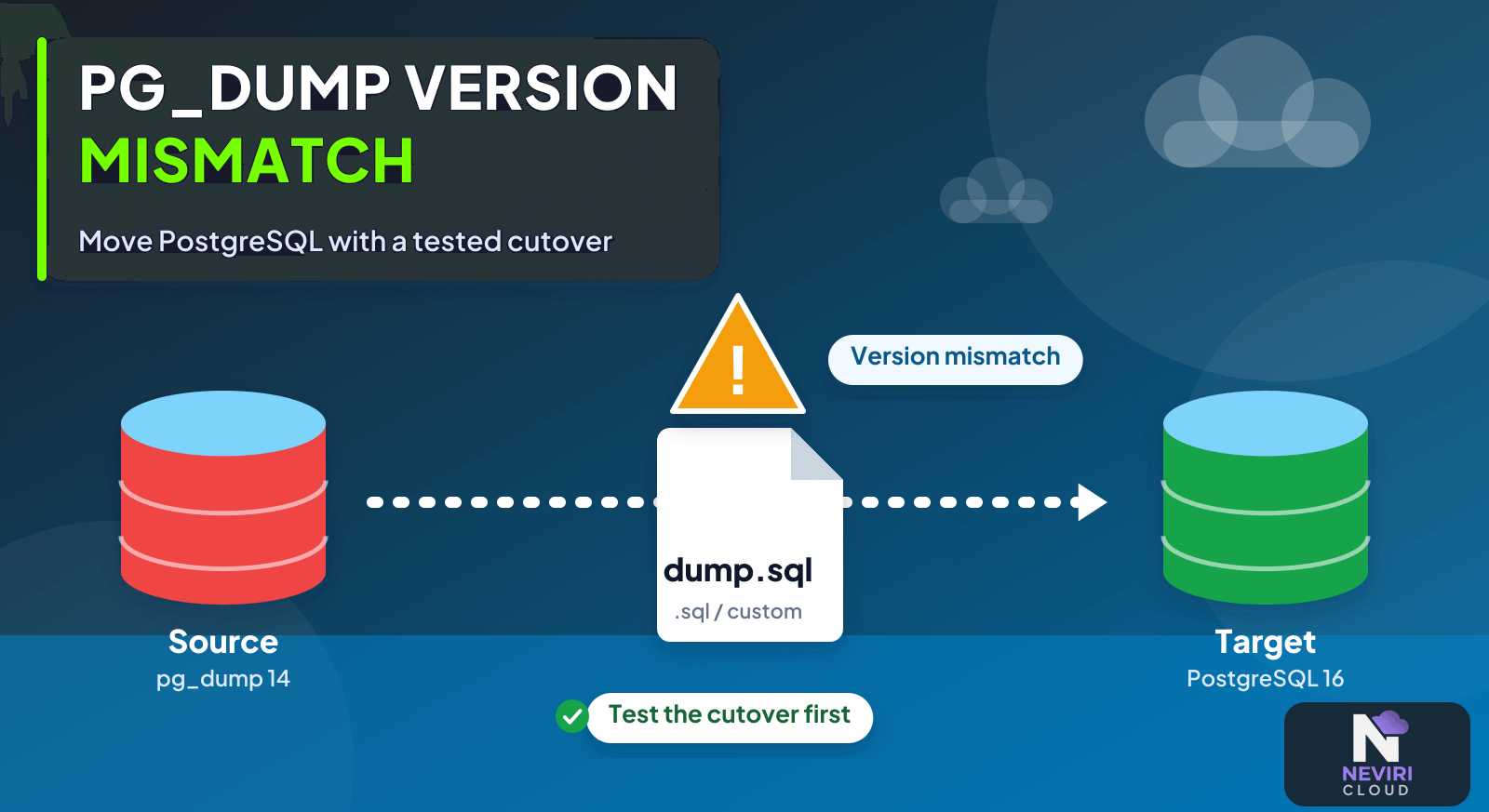
The least pleasant time to discover a PostgreSQL version mismatch is halfway through a migration window. A dump file can look reassuring right up to the moment the restore rejects it. Before you pick a cutover date, try the whole journey on a clean destination, including the extensions and ownership settings your application depends on.
Check the source server version and the exact pg_dump binary you’re using before moving production data. Use a supported client, restore into a clean compatible target, and try the app there. Include roles, extensions, and the final writes in the rehearsal so compatibility problems show up before cutover.
Rehearse the restore before cutover
- Run the source version query and the exact pg_dump and pg_restore binary version commands.
- Check the PostgreSQL compatibility rules and destination version; do not force a newer server through an unsupported old client.
- Restore a custom-format rehearsal dump into a clean test destination and review all errors.
- Validate business records, required objects, and application operations before defining the production write pause and cutover.
Choose a migration method you can rehearse
| Approach | Choose it when | Verification or tradeoff |
|---|---|---|
| Logical dump and restore | A tested outage window is acceptable | Measure export, transfer, restore, and validation together. |
| Supported replication migration | A smaller write pause is required | Verify versions, permissions, and change-capture coverage. |
| In-place upgrade | The goal is upgrading an existing cluster | Do not confuse this with moving to a separate provider. |
A small example to try
pg_dump --version
pg_restore --version
psql "$SOURCE_DATABASE_URL" -c 'SHOW server_version;'
# Run only against an approved source, with credentials kept out of logs:
pg_dump --format=custom --file=rehearsal.dump "$SOURCE_DATABASE_URL"
The export is read-oriented but can consume resources; schedule an approved rehearsal and protect the resulting data file. Restore only into an isolated target.
Version compatibility is only part of the restore
The immediate error is a toolchain compatibility problem, not evidence that the database must be upgraded in place. Different client binaries can coexist on one machine, and a GUI or scheduled job can select a different binary from the interactive shell. Record the exact versions used in the rehearsal.
Questions you might have
Which pg_dump version should I use?
Use a pg_dump version supported for the source and intended destination migration path. PostgreSQL documents that pg_dump refuses a server newer than its own major version. Check the actual executable used by your shell or GUI; installing a newer client does not prove the migration process selected it.
Should I ignore a version mismatch warning?
Do not bypass a compatibility failure merely to make the export command finish. Identify the source version, client version, and restore destination first. A dump that cannot represent the source correctly or restore into the target is not a usable migration artifact, even if a workaround creates a file.
Does a successful restore prove the migration worked?
A completed restore is necessary evidence, but application and data validation are still required. Check permissions, extensions, realistic queries, relationships, and freshness. Confirm how writes made during copying are handled, because a valid restored snapshot may still be incomplete relative to the live source at cutover.
Keep reading
Database Cutover Rollback After New Writes: Preserve Accepted Changes; Database Backups Are Only Useful If You Can Restore Them.
Give cutover day fewer surprises
Treat the rehearsal as part of the move, rather than a preview you can skip when time gets tight. If the restore fails, you want that failure while the old database is still serving normally. Keep the commands, versions, and checks from the successful rehearsal so cutover day has fewer surprises.
Use the Neviri knowledge base to locate the destination connection details, then verify the actual PostgreSQL server and client versions before transferring a dump.
Sources and further reading
PostgreSQL states that pg_dump cannot dump a server whose major version is newer than the client major version. PostgreSQL documentation.
postgresql - Version Compatibility - postgres / psql Version Mismatch - Stack Overflow describes a related situation: A developer reports pg_dump 11.17 refusing a PostgreSQL 15.5 server, directly demonstrating a migration toolchain compatibility failure.